
Summary:
- The license activates the “Triggered location update” mode, in which the location is updated by an external trigger (on demand) instead of continuous automatic updates
- In the “Triggered” mode the location is updated by the user request with minimum latency, without waiting for the current system update cycle to finish
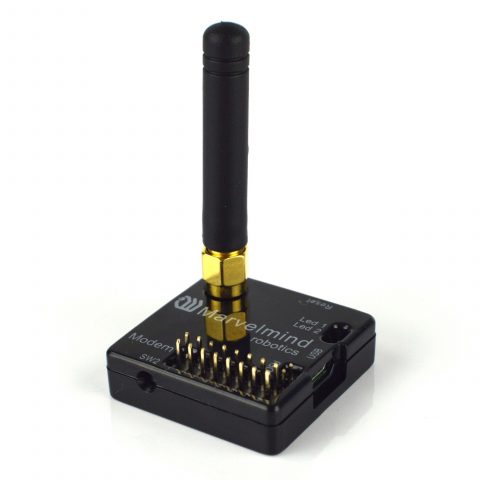
- The trigger is sent by the button in the Dashboard, via a pin on the modem (Modem HW v5.1 only), or via the Marvelmind API
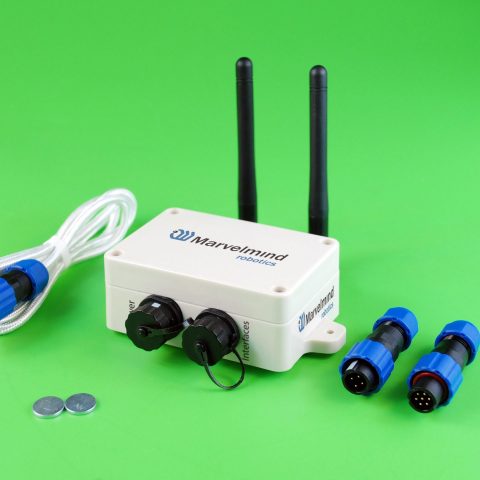
- The feature is available for modems: Modem HW v5.1 and Super-Modem
How it works:


- Automatic – default mode. The location is updated automatically. The update rate is defined by the “Location update rate” setting and by the system capabilities, that is, what update rate can be achieved in the current configuration
- Triggered – the location is updated by the user request (trigger) with minimum latency, without waiting for the current system update cycle to finish


- The trigger is sent by applying a low logic level to the pin, or by shorting this pin to GND

Trigger via the Marvelmind API:
- Modem HW v5.1 – API commands over USB. Super-Modem – API commands over USB or UDP. Sending API commands over UDP additionally requires the MMSW0014: Super-Modem API via UDP license. Note that UDP support on a modem in general is activated by the MMSW0016: UDP streaming support license
- API functions (API version V6 and newer), described in the “Marvelmind API” chapter of the Marvelmind interfaces manual:
| API function | What it does | License |
|---|---|---|
| mm_get_update_position_mode | Reads the current location update mode of the mobile beacons: 0 = automatic (default), 2 = triggered. Section “Get location update mode” | none |
| mm_set_update_position_mode | Switches the mode between automatic and triggered. Section “Set location update mode” | MMSW0022 |
| mm_set_update_position_command | Sends the trigger itself: update the positions of the mobile beacons now. Section “Command for triggered location update” | MMSW0022 |